This page was automatically translated using the online service DeepL. The translation is intended to aid understanding and may contain language-specific inaccuracies. The official text is written in German. Any discrepancies or differences resulting solely from the translation are not legally binding. In case of doubt, the German version shall prevail. It is recommended to consult a qualified translator in case of doubt.

AzubiAction – for here. By us.

Student Social Project

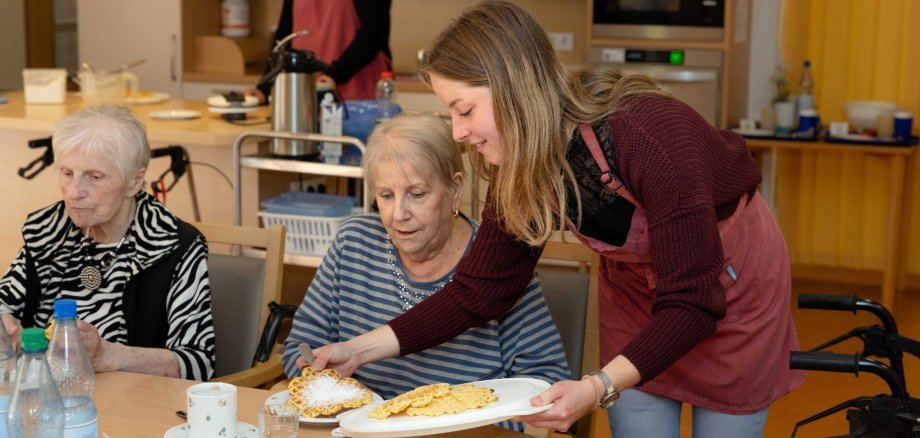
“After our first meeting for our social project, it quickly became clear: We wanted to do something for people of all ages! So we decided to visit a senior center and spend a day with Lebenshilfe Fulda. On October 21, 2025, the day finally arrived, and we headed to our first project at the AWO Senior Center in Burghaun. We split into two groups so we could be represented in all the living groups. While most of us baked waffles for the afternoon, some also helped with other tasks, such as doing the laundry or cleaning up the kitchen after lunch.”
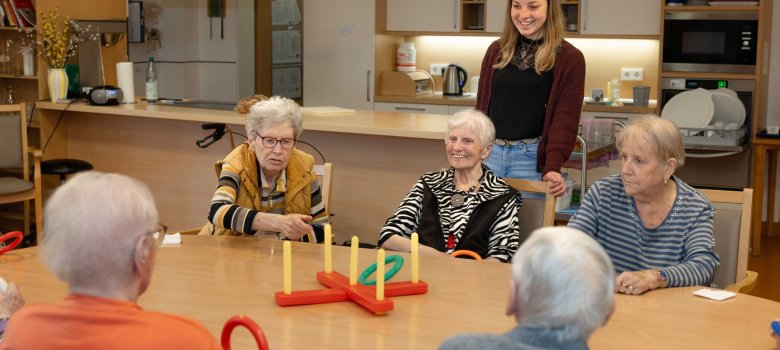
Afterward, space was set aside for board games. A throwing game on the upper floor was very popular, while the other group played several rounds of “Mensch ärgere Dich nicht.” We’ll certainly remember her as a very funny and competitive woman who couldn’t wait for her turn to come around again…
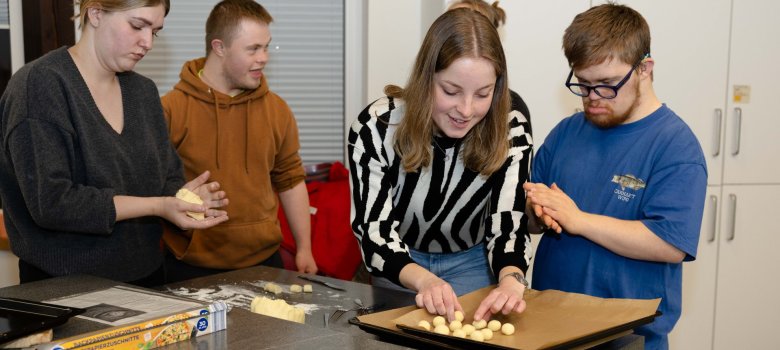
On the afternoon of November 10, we headed to the Pestalozzi School, where we were able to host a pre-Christmas event in collaboration with Lebenshilfe Fulda. There, we baked cookies together with ten children and teenagers, as well as two caregivers. First, we prepared the dough together, and then we decorated the cookies. Everyone was able to let their creativity run wild and design their own cookie. Finally, the cookies were packaged and given as gifts.
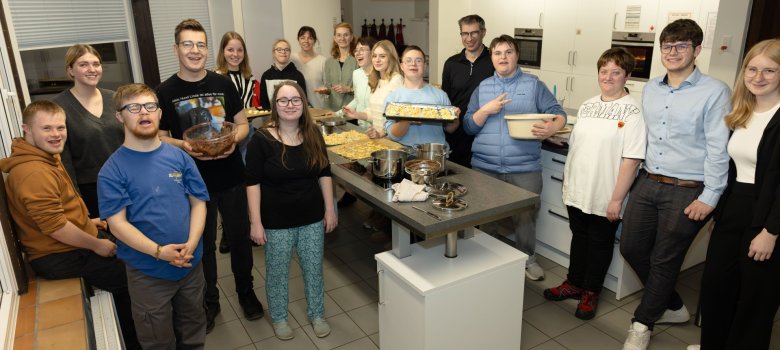
"After two wonderful, eventful, and educational days, we hope that we were able to brighten the daily lives of the seniors and children and lighten the workload a bit for the nursing staff and caregivers. We are grateful that we were able to make this happen through our social project!"

Contact us

%count% items found in total.

Help with accessibility

  • General

    We endeavor to make our websites accessible. You can find details on this in our accessibility statement. You can send us suggestions for improvement via our feedback form Report accessibility.

  • Font size

    To adjust the font size, please use the following key combinations:

    Larger

    command
    +

    Smaller

    command

    Larger

    Ctrl
    +

    Smaller

    Ctrl
  • Keyboard navigation

    Use the TAB and SHIFT + TAB keys to navigate to the next or previous links, form fields, and buttons.

    Use the ENTER key to open links and interact with elements.

  • Contrast mode

    Press the following key combination to reduce or increase the contrast:

    Enlarge

    control
    option
    command
    .

    Decrease

    control
    option
    command
    ,
    Note: The shortcuts must be activated in the system settings of the operating system.

    Press the left ALT key + left SHIFT key + PRINT SCREEN to quickly turn high contrast mode on or off.

  • Invert colors

    Press the following key combination to switch the color inversion on and off:

    control
    option
    command
    8
    Note: The shortcuts must be activated in the system settings of the operating system.

    First activate the screen magnifier and then switch the color inversion on and off with the following key combinations:

    1. screen magnifier

    +

    2. invert colors

    Ctrl
    Old
    I
  • Screen magnifier

    Press the following key combinations to use the screen magnifier:

    Switch on/off

    option
    command
    8

    Enlarge view

    option
    command
    =

    Reduce view

    option
    command
    Note: The shortcuts must be activated in the system settings of the operating system.

    Switch on / Enlarge view

    +

    Reduce view