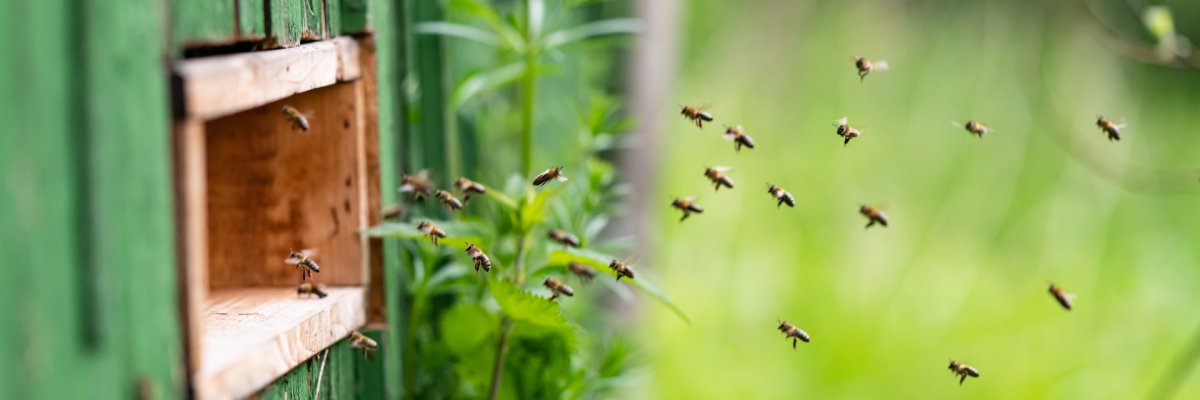
Photo: ON-Photography - stock.adobe.com
This page was automatically translated using the online service DeepL. The translation is intended to aid understanding and may contain language-specific inaccuracies. The official text is written in German. Any discrepancies or differences resulting solely from the translation are not legally binding. In case of doubt, the German version shall prevail. It is recommended to consult a qualified translator in case of doubt.

Promotion of Beekeeping

Honeybees and other pollinating insects are of great importance to agriculture and food security: They ensure the pollination of many fruit, vegetable, and field crops, thereby making a crucial contribution to high yields and healthy ecosystems. Without sufficient pollination, many food sources would become scarce and biodiversity would suffer. For this reason, various measures to support beekeeping are being promoted in Hesse.

The beekeeping support program in the Fulda district helps safeguard bee populations, improve pollination in the countryside, and support new educational and environmental projects. At the same time, it complements statewide programs that further strengthen and modernize beekeeping.

  • Support Services in the Fulda District

    • Beekeeping Clubs in Schools
      : Up to four clubs per year are eligible for funding, each receiving a grant of up to 1,500 euros to support educational activities and foster the next generation of beekeepers.
    • Bee-Friendly Flowering
      Areas: Flowering areas or strips can be created on voluntarily set-aside land to provide food for bees and other pollinators.
      • 204 euros per hectare for perennial flower mixes
      • 68 euros per hectare for annual flower mixtures
        . Support is available for areas up to a maximum of 2 hectares, and the local beekeepers’ association must provide confirmation for the measure. Perennial flowering areas may not be plowed under until October at the earliest, in order to ensure their benefit to wildlife.
  • Eligibility Requirements for Funding

    • Certification by the local beekeepers' association for bee-friendly measures on fallow land that is not eligible for funding through HALM or organic farming programs (to prevent double funding)
    • Compliance with the guidelines regarding area size and duration, as well as the use of a suitable flower mix.
    • Beekeeping Clubs at Schools: a brief project description, including details on planned purchases as well as the school’s contact persons and the supervising beekeeping group
    • Apply using the form "Application for County Subsidies, Including Flowering Areas" (available in the download section on this page)

Help with accessibility

  • General

    We endeavor to make our websites accessible. You can find details on this in our accessibility statement. You can send us suggestions for improvement via our feedback form Report accessibility.

  • Font size

    To adjust the font size, please use the following key combinations:

    Larger

    command
    +

    Smaller

    command

    Larger

    Ctrl
    +

    Smaller

    Ctrl
  • Keyboard navigation

    Use the TAB and SHIFT + TAB keys to navigate to the next or previous links, form fields, and buttons.

    Use the ENTER key to open links and interact with elements.

  • Contrast mode

    Press the following key combination to reduce or increase the contrast:

    Enlarge

    control
    option
    command
    .

    Decrease

    control
    option
    command
    ,
    Note: The shortcuts must be activated in the system settings of the operating system.

    Press the left ALT key + left SHIFT key + PRINT SCREEN to quickly turn high contrast mode on or off.

  • Invert colors

    Press the following key combination to switch the color inversion on and off:

    control
    option
    command
    8
    Note: The shortcuts must be activated in the system settings of the operating system.

    First activate the screen magnifier and then switch the color inversion on and off with the following key combinations:

    1. screen magnifier

    +

    2. invert colors

    Ctrl
    Old
    I
  • Screen magnifier

    Press the following key combinations to use the screen magnifier:

    Switch on/off

    option
    command
    8

    Enlarge view

    option
    command
    =

    Reduce view

    option
    command
    Note: The shortcuts must be activated in the system settings of the operating system.

    Switch on / Enlarge view

    +

    Reduce view