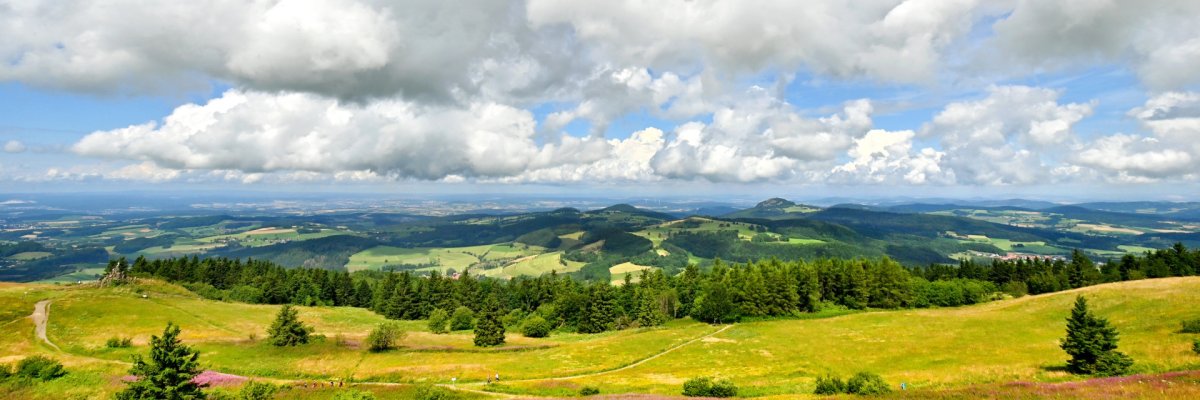
Photo: Arnulf Müller
This page was automatically translated using the online service DeepL. The translation is intended to aid understanding and may contain language-specific inaccuracies. The official text is written in German. Any discrepancies or differences resulting solely from the translation are not legally binding. In case of doubt, the German version shall prevail. It is recommended to consult a qualified translator in case of doubt.

Block Internship in the Countryside

Through the "Block Clinical Rotation in the Countryside" project, the Fulda District, in collaboration with the Institute of General Medicine at Philipps University of Marburg, offers medical students the opportunity to experience general practice in a rural setting as part of their general medicine block clinical rotation.

In this project, students can

  • complete the clinical rotation at a medical practice in the Fulda district
  • Gain insight into rural medical practice: learn about the wide range of patients seen in a rural practice and the unique aspects of rural medical practice
  • Support is available from the Fulda District (coverage of travel and lodging expenses; please contact the district 4 weeks before the start of the block internship)

Participants in the Landpartie Fulda program also receive financial support if they later complete their elective term of the practical year in the Fulda district. The Fulda District Committee offers participants in the “Landpartie Fulda” project a monthly rent subsidy of up to 500 euros during their practical year.

Help with accessibility

  • General

    We endeavor to make our websites accessible. You can find details on this in our accessibility statement. You can send us suggestions for improvement via our feedback form Report accessibility.

  • Font size

    To adjust the font size, please use the following key combinations:

    Larger

    command
    +

    Smaller

    command

    Larger

    Ctrl
    +

    Smaller

    Ctrl
  • Keyboard navigation

    Use the TAB and SHIFT + TAB keys to navigate to the next or previous links, form fields, and buttons.

    Use the ENTER key to open links and interact with elements.

  • Contrast mode

    Press the following key combination to reduce or increase the contrast:

    Enlarge

    control
    option
    command
    .

    Decrease

    control
    option
    command
    ,
    Note: The shortcuts must be activated in the system settings of the operating system.

    Press the left ALT key + left SHIFT key + PRINT SCREEN to quickly turn high contrast mode on or off.

  • Invert colors

    Press the following key combination to switch the color inversion on and off:

    control
    option
    command
    8
    Note: The shortcuts must be activated in the system settings of the operating system.

    First activate the screen magnifier and then switch the color inversion on and off with the following key combinations:

    1. screen magnifier

    +

    2. invert colors

    Ctrl
    Old
    I
  • Screen magnifier

    Press the following key combinations to use the screen magnifier:

    Switch on/off

    option
    command
    8

    Enlarge view

    option
    command
    =

    Reduce view

    option
    command
    Note: The shortcuts must be activated in the system settings of the operating system.

    Switch on / Enlarge view

    +

    Reduce view